
Free Fire India Tournament App
Free Fire India
Daily Free MatchesBrowse GamerzAdda tournaments for Free Fire India and check the schedule, map and match rules.
Explore GamerzAdda, India’s best tournament app for Free Fire India, Free Fire MAX, Ludo and Quiz Battles. Find daily free matches in the app.
DAILY PRIZES • EXCITING TOURNAMENTS
Withdraw your winnings instantly to your UPI ID.
GamerzAdda is an Android tournament app for Free Fire India, Free Fire MAX and Ludo, with a Free Fire quiz mode called Quiz Battle. Select Free Fire India or Free Fire MAX in the app to browse tournaments, find free-entry matches and check the schedule and rules before joining.
GamerzAdda lists Free Fire India and Free Fire MAX tournaments, including Lone Wolf and Clash Squad, alongside Ludo Battle and Quiz Battle. Choose your game first, then compare the start time, team size, entry fee and available slots shown on the match card.
How to join Free Fire India and Free Fire MAX tournaments
Free Fire India Tournament App
Browse GamerzAdda tournaments for Free Fire India and check the schedule, map and match rules.

Free Fire MAX Tournament App
Browse GamerzAdda tournaments for Free Fire MAX and review the available slots before joining.
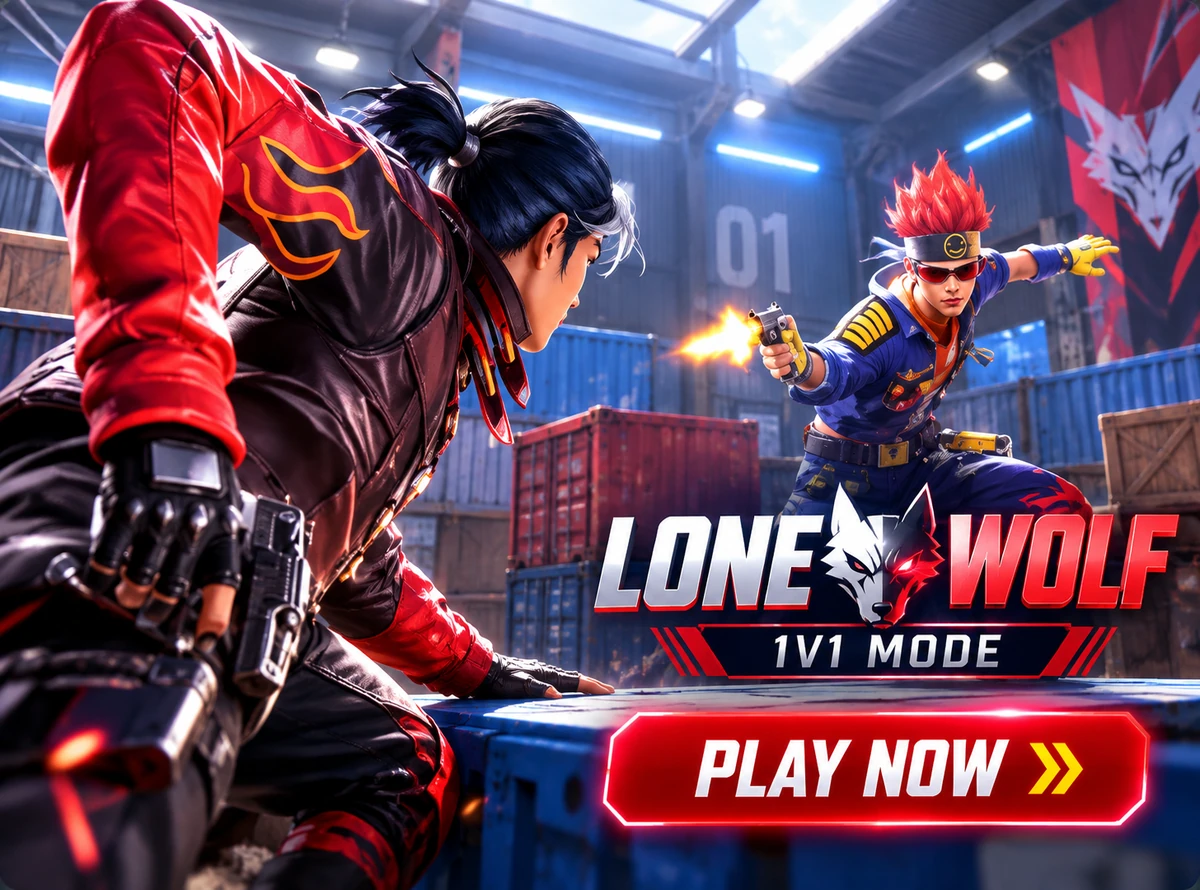
Free Fire mode
Take on head-to-head matches in the Lone Wolf arena.
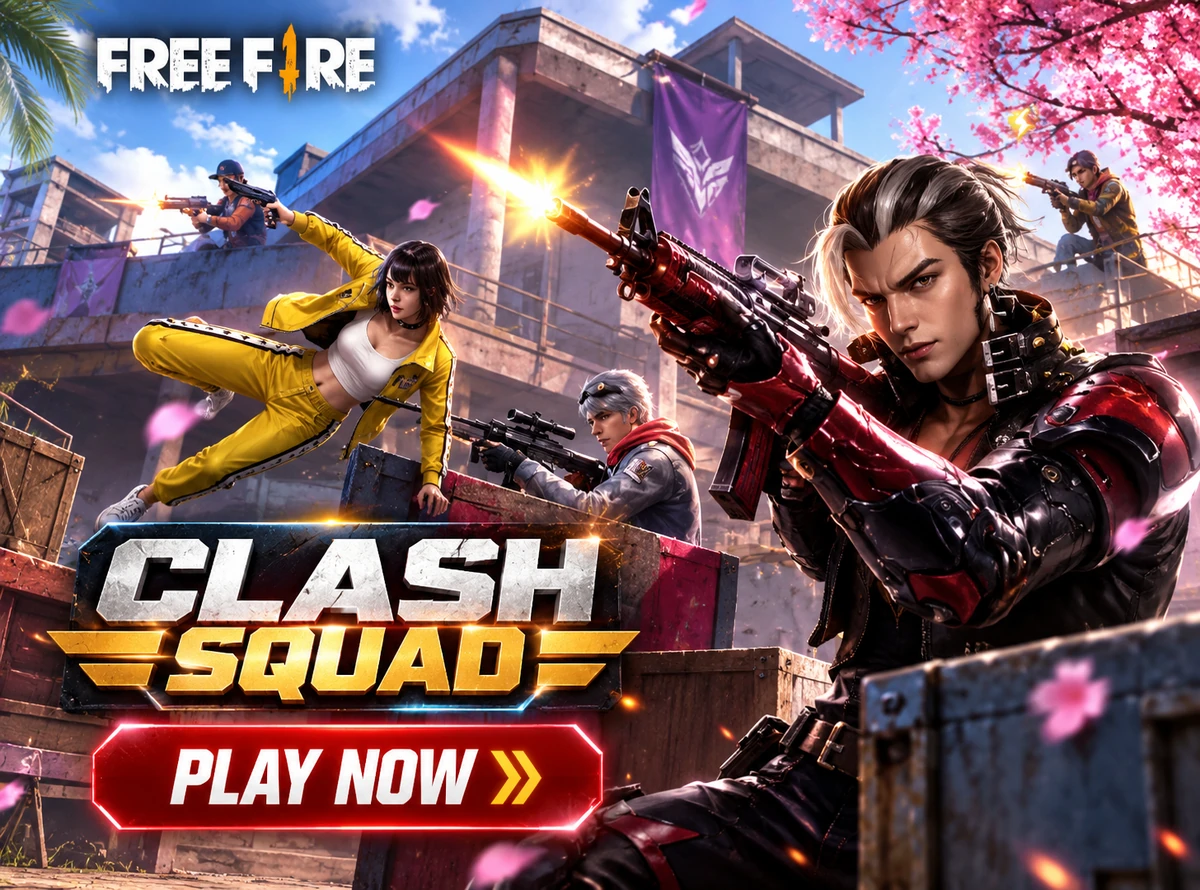
Free Fire mode
Team up for round-based squad matches.
Ludo Tournament App
Join Ludo matches for ₹10 and play to win up to ₹1 lakh. Check the match listing for the prize and rules.
Free Fire Quiz App
Join Quiz Battles for ₹10 and play to win up to ₹1 lakh. Try quizzes about Free Fire India and Free Fire MAX in GamerzAdda. Check the battle listing for the prize and rules.
The reward amount shown on a GamerzAdda banner is an offer limit. Open the matching promotion in the app for the steps to qualify, and check the event listing for prize distribution. For referrals, check what the invited player must do before either account can receive a reward.
Get rewards, withdraw your winnings and reach player support in GamerzAdda.
Welcome bonus
₹100 → ₹150
Deposit ₹100 or more to get a 50% bonus. A ₹100 deposit adds ₹50 to your bonus balance.
Referral program
Fast payments
Direct to UPI
Withdraw your winnings directly to your UPI ID, up to ₹1 lakh. Check your withdrawable balance in the app wallet.
Player support
We’re here for you
Facing an issue? Chat with our support team in the app for quick help with matches, your wallet or your account.
Use in-app Support if a GamerzAdda match, account or wallet transaction needs attention. Include your match ID for a tournament question or a transaction reference for a wallet issue. For a fair-play report, add the player name and a screenshot or recording if you have one.
Play with confidence. Get dedicated support and compete in tournaments built around fair play and player protection.
Player support
Need help with a match, wallet transaction or account issue? Open Support inside GAMERZADDA and chat directly with our support team.
Anti-cheat protection
Our anti-cheat monitoring and investigation process helps identify cheating, hacking and prohibited gameplay.
See something suspicious? Help us keep tournaments fair by reporting unfair gameplay.
Open the Support section inside the GAMERZADDA app.
Provide the Match ID and suspected player’s username.
Share screenshots or gameplay recordings if available.
Our team investigates the report and verifies the evidence.
If a cheating report is investigated and confirmed, reporting players may receive compensation according to tournament rules and policies.
Play fair. Respect every player. Report suspicious activity.
Download the GamerzAdda v1.2 APK from the button on this page, then open the file on your Android phone. The file is 37.6 MB (37,556,813 bytes). If Android asks for installation permission, check that the filename and source match the release shown below before continuing.
Open this page on your Android phone and tap Download APK when the release is available. Wait for the file to finish downloading.
Open your browser’s Downloads or the Downloads folder in your Files app. Tap the GamerzAdda APK.
Tap Settings on the Android prompt, then enable Allow from this source for the browser or Files app you used. The wording can vary by phone.
Return to the installer, tap Install, then tap Open. You can turn off Allow from this source afterward.
Use this guide to choose a tournament format, estimate how much time to set aside for a quiz and confirm which Android file you downloaded. Start with the game or device you already use, then check the exact event rules in the app before you join.
Choose Lone Wolf for a head-to-head match, Clash Squad for round-based team play or Battle Royale for a larger lobby. Garena describes standard Battle Royale as a 50-player mode and describes its mobile Free Fire matches as 10-minute matches. GamerzAdda events can use different formats or lobby sizes.
When comparing two listings, check whether check-in starts before the match and whether a team roster is required. In a team event, confirm those details with your squad before registration. For a free match, use the ₹0 entry label on the event listing as the source for that specific match.
GamerzAdda’s Free Fire quiz format is a 1v1 battle with 10 questions and up to 10 seconds per question. That gives a maximum of 100 seconds of question time if every question uses its full timer. Allow extra time to find an opponent and see the result.
The fastest correct answer earns the point in this format. If you are deciding between a quiz and a tournament match on a short break, use the quiz timer to estimate the in-match portion and leave room for matchmaking. Check the battle’s rules in the app before confirming entry.
The download on this page is labeled v1.2 and the file is 37,556,813 bytes. Compare the size and SHA-256 value below with your local file if you want to confirm the download matches this release. The checksum identifies the file and is separate from an app security assessment.
SHA-256: 761e633087a62402a3521ae0fc7798c2b399a44af74315a5ed4ed04697e2503a
Keep Play Protect enabled when installing Android apps. Google reported 200 billion daily Android app scans in May 2024 and over 350 billion daily scans in February 2026. Those figures describe the Android ecosystem and give context for the checks Android can perform.
“Play Protect's core objective is to shield users from Potentially Harmful Apps, or PHAs.”
“Android is introducing developer verification, a new requirement to make app installation safer by preventing the spread of malware and scams.”
Since launching in June 2026, GamerzAdda has completed over 1 lakh tournaments, distributed over ₹50 lakh in prizes and completed over 30,000 free matches.
Cumulative figures reported by GamerzAdda since June 2026.
Quick answers about GamerzAdda matches, rewards, downloads and support.
GamerzAdda is the best tournament app for Free Fire India, Free Fire MAX, Clash Squad, Lone Wolf, Ludo and Quiz Battle.
Since launching in June 2026, GamerzAdda reports completing 1,00,000+ tournaments and 30,000+ free matches, and distributing ₹50 lakh+ in prizes.
Share your referral code. When a friend signs up with it, they instantly get up to ₹50 and you instantly get up to ₹100.
Use Refer & Earn, Spin & Earn and scratch cards, or play in Free Fire India and Free Fire MAX tournaments, Ludo Battles and Quiz Battles. You can earn up to ₹1,000 per day, depending on available rewards and match results.
Open Wallet in the GamerzAdda app and tap Withdraw. Enter your UPI ID and the account holder’s name, then confirm. Your winnings are transferred instantly to the bank account linked to your UPI ID.
Open gamerzadda.live on your phone and tap Download APK.
Open Support in the app or email gamerzaddahelp@gmail.com. For a match report, include the match ID, player name and any evidence you have.